Why bulk generation?
3D models and product images for your entire catalog.
Upload hundreds or thousands of products at once and let Viewrium generate AR-ready 3D models and consistent catalog images at scale. Prefer a hands-off rollout? Our team can manage the entire process for you.
The process
How bulk generation works
Three steps, whether you run it yourself or hand the whole thing to our team.
Add your products
Give us your product pages, your photos, or a product feed. You start from the files you already have, not a re-shoot.
Generate models and images at scale
Viewrium generates an AR-ready 3D model and a full set of catalog images for every product at once, instead of you uploading them one at a time.
Review, then publish
Approved images are ready to download and publish. Approved models go live on your website, a shareable link, or a QR code for the shop floor.
FOR YOUR DEVELOPMENT TEAM
Run Viewrium from your own systems.
Have an in-house developer? Use our Python or JavaScript SDK to send products from your existing catalog, automate generation, and bring the results back into your workflow. Your team controls the integration; Viewrium handles the product visualization.
from viewrium import ProductCreateRequest, ProductDraft, Viewrium

client = Viewrium("sk_live_...")

parked = client.products.create(
    ProductCreateRequest(
        source_url="https://store.example.com/oak-chair",
        draft=ProductDraft(custom_id="sku-oak-chair"),
    )
)
print(parked.cost.total_cents)  # nothing is written yet

product = client.products.create(
    ProductCreateRequest(resume_token=parked.resume_token)
)
print(product.id, product.display_status) # -> "<uuid>", "generating"import { Viewrium } from "@viewrium/sdk";
const client = new Viewrium({ apiKey: "sk_live_..." });
const parked = await client.products.create({
source_url: "https://store.example.com/oak-chair",
draft: { custom_id: "sku-oak-chair" },
});
if (parked.status !== "parked") throw new Error("already committed");
const product = await client.products.create({
resume_token: parked.resume_token,
});
console.log(product.id); // generation has startedfor item in catalog:
parked = client.products.create(
ProductCreateRequest(
source_url=item["url"],
draft=ProductDraft(custom_id=item["sku"]),
order=ProductOrder(images=True, model=True),
)
)
client.products.create(
ProductCreateRequest(resume_token=parked.resume_token)
)
# each finished product arrives as a
# product.completed webhook, custom_id attachedWe run it
We run the catalog generation for you, so nobody on your team has to find the time to write the script.
Not every retailer has a developer free to script a bulk import. Hand our team a feed, an export, the catalog, or just your website, and they run the generation and the quality pass. The finished models and images wait in your dashboard for review, exactly like your own uploads, and it's included from the Growth plan up.
Shopify integration
SOONPick the products in your Shopify admin, hit generate, and the AR models attach to the product pages you already publish on.
Once the Shopify app ships, install it, open your products page, select what you want, or the whole catalog, and generate. Models will attach to each product page as native 3D and AR media. None of that needs a theme edit, an export, or a re-upload.
- check
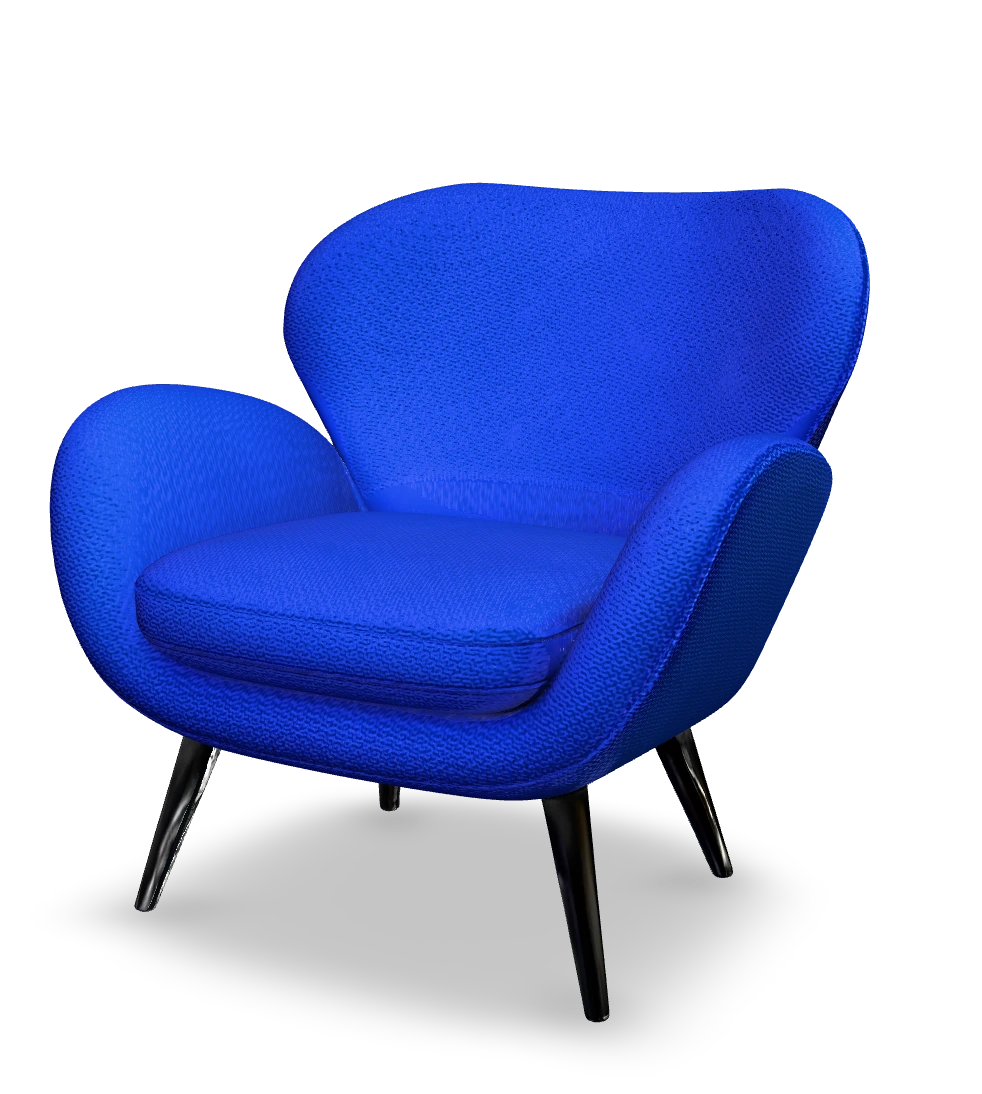
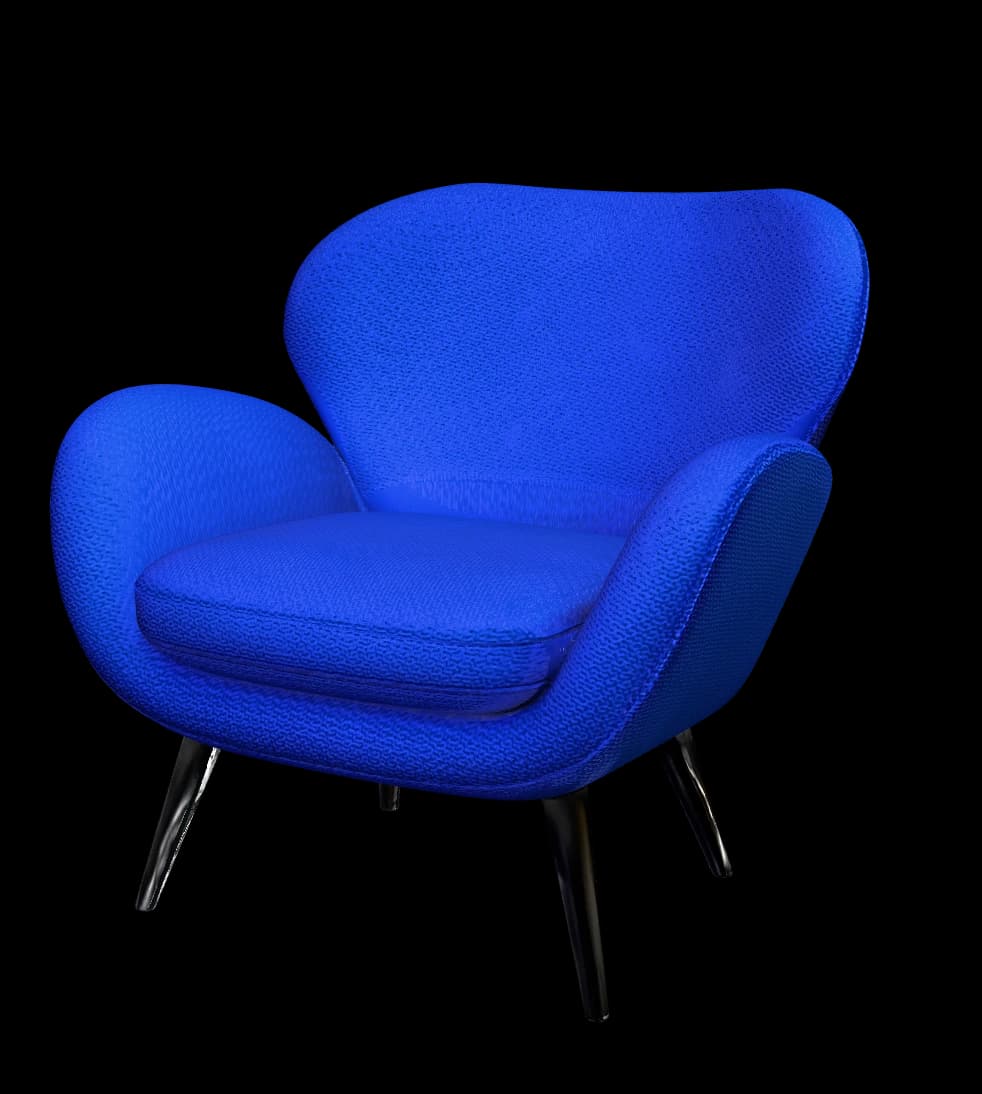
 Cobalt sculptural lounge chairActive12 in stock
 - check
 Light gray boucle three-seat sofaActive4 in stock
 - check
 Steel and glass coffee tableActive9 in stock
 - check
 Black arc floor lampDraft2 in stock
Generate interactive 3D and AR models for 0 selected products from their existing photos. Each model publishes to its product page automatically.
Everything in one dashboard.
From generation to publishing, every model and image is managed from one dashboard.
Review models and images, request refinements, publish to your website, and track progress - all from a single place.
Bring more of your catalog into 3D.
Start with one product to see the result, or talk to us about bulk-generating models and images across your catalog. We’ll help identify which products have the photos needed for accurate 3D.